
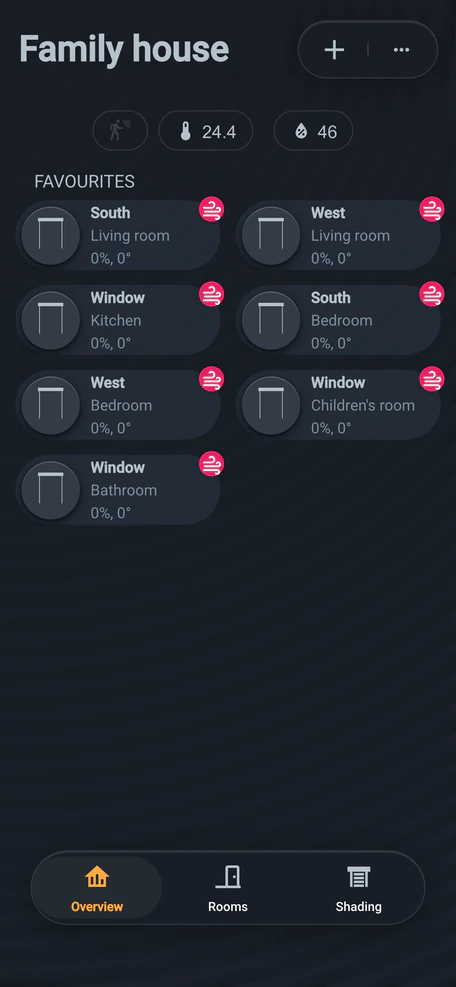
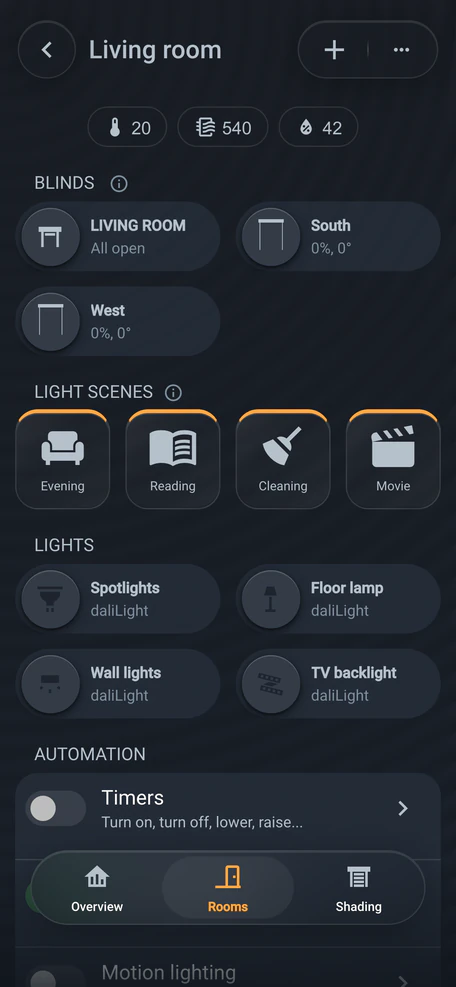
Two-bedroom apartment
75 m² · 6 lighting circuits, shading
List price
CZK 166,375
incl. VAT · CZK 137,500 excl. VAT
CZK 114,950Special price
incl. VAT · CZK 95,000 excl. VAT
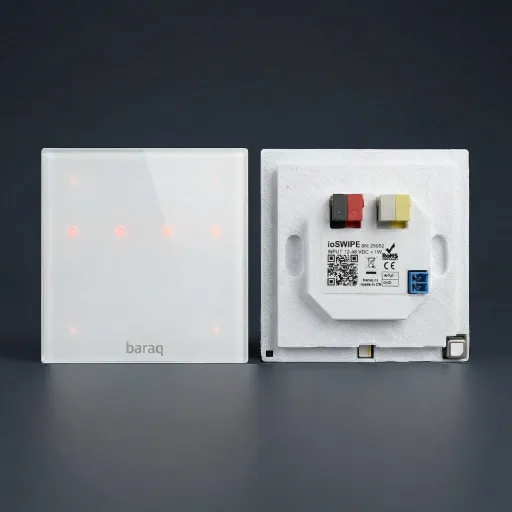
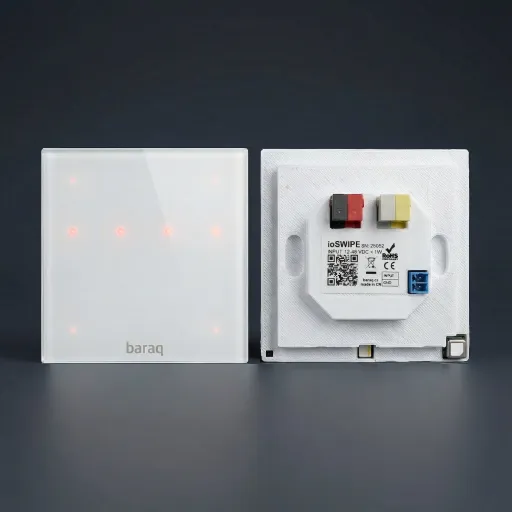 ioSWIPEswitch, controller and thermometer
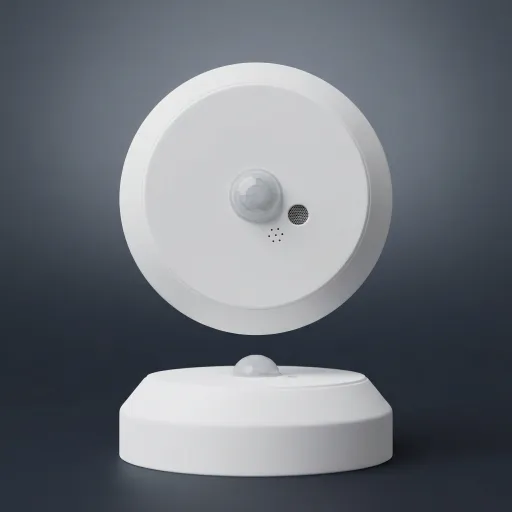 ioMULTISENSknows you’re in the room
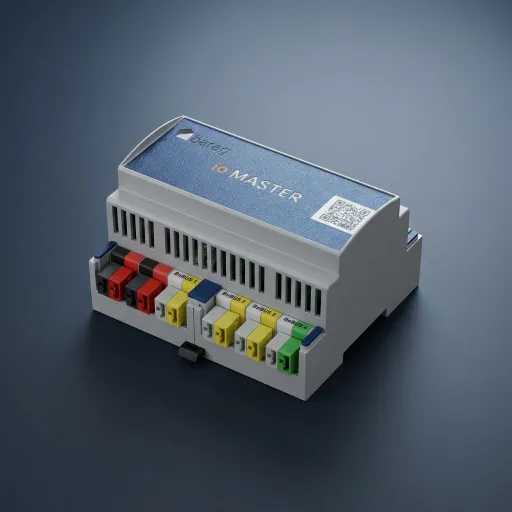
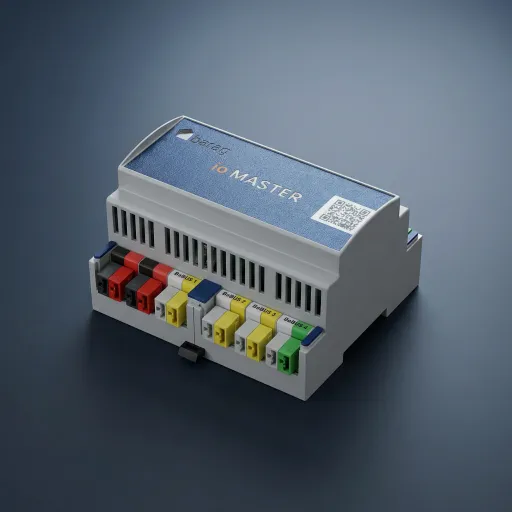
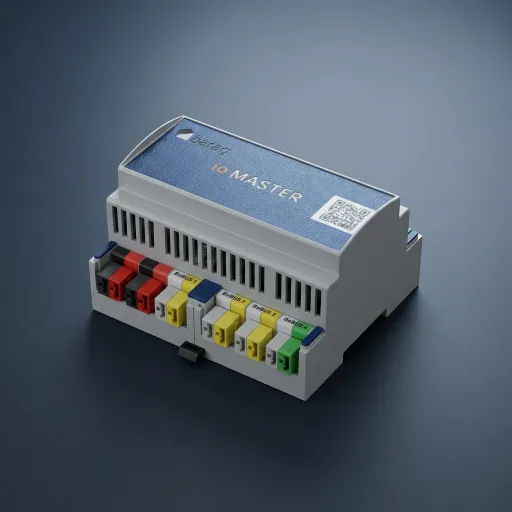 ioMASTERthe brain of the whole house
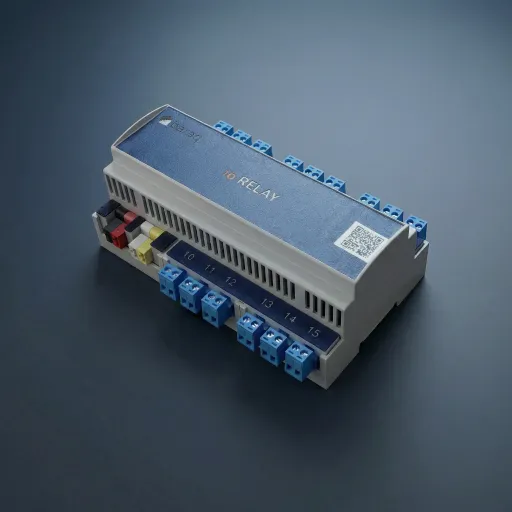
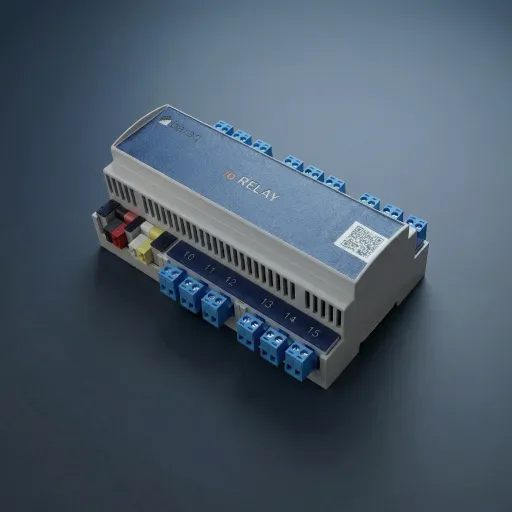 ioRELAYswitches blinds, sockets and valves
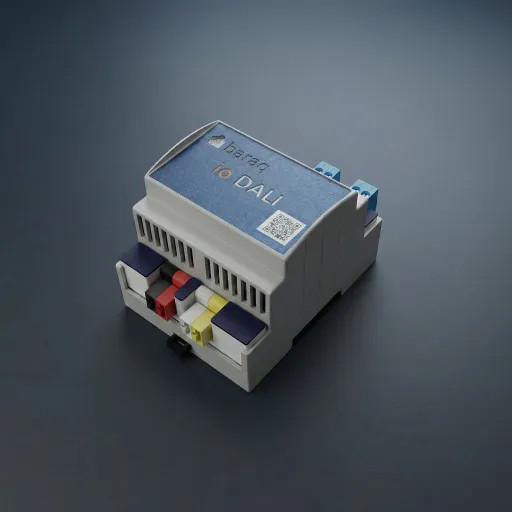
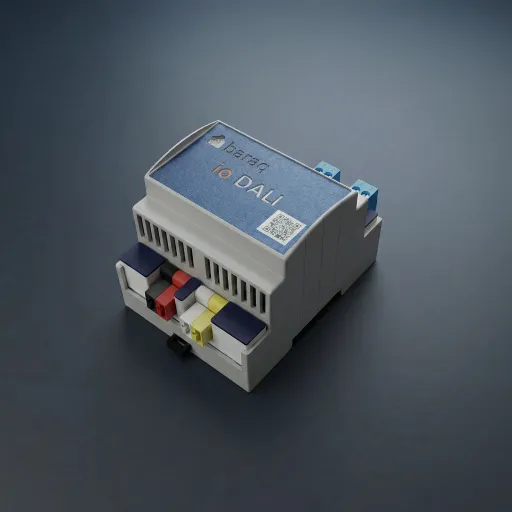 ioDALI2 buses for dimmable lights
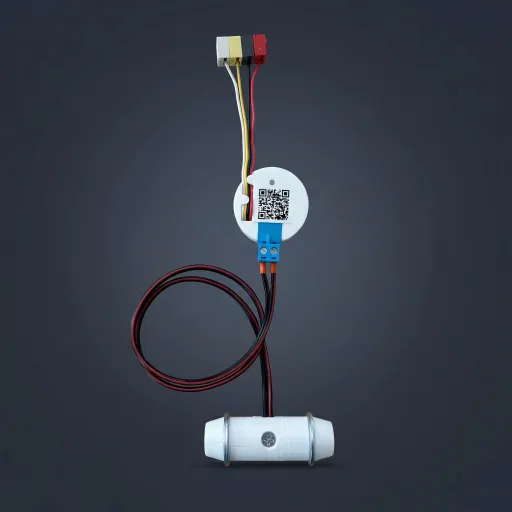
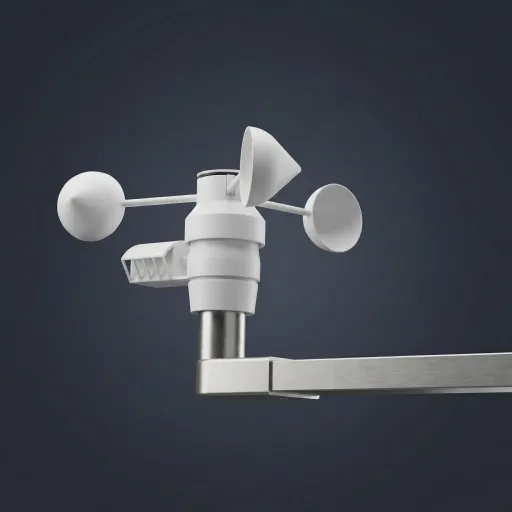
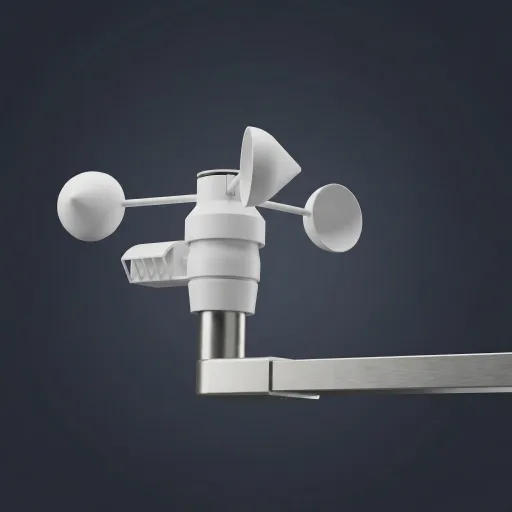 ioMETEOwatches wind, sun and temperature
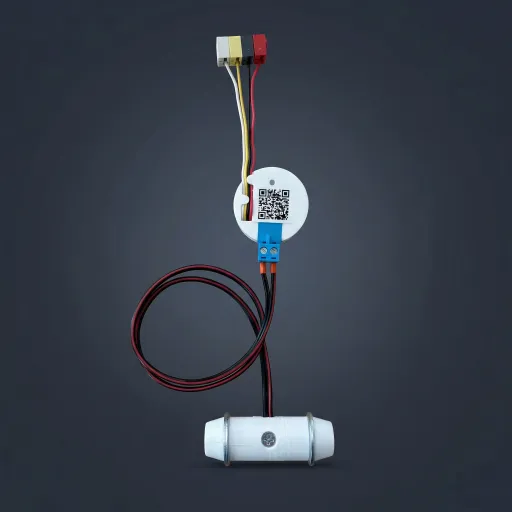 ioFLOODreports a water leak
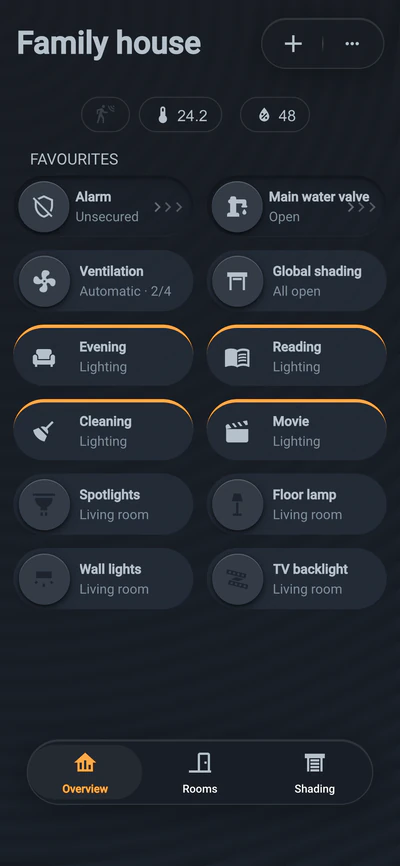
Lighting, shading, heating, security, ventilation and energy in one system and one app. Designed, commissioned and explained to you by the BARAQ team.
Lighting, shading, heating, security and energy in one system.
Walk through the house · 8 chapters · about 10 minutes
Straight to the pricesOne system. Everything runs into one brain.
Tap a module — or scroll on and we’ll walk you through the house.
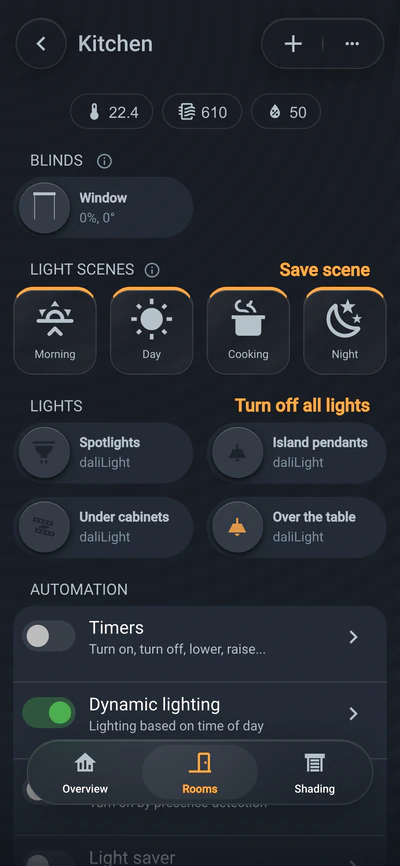
May · 06:30 · Morning scene
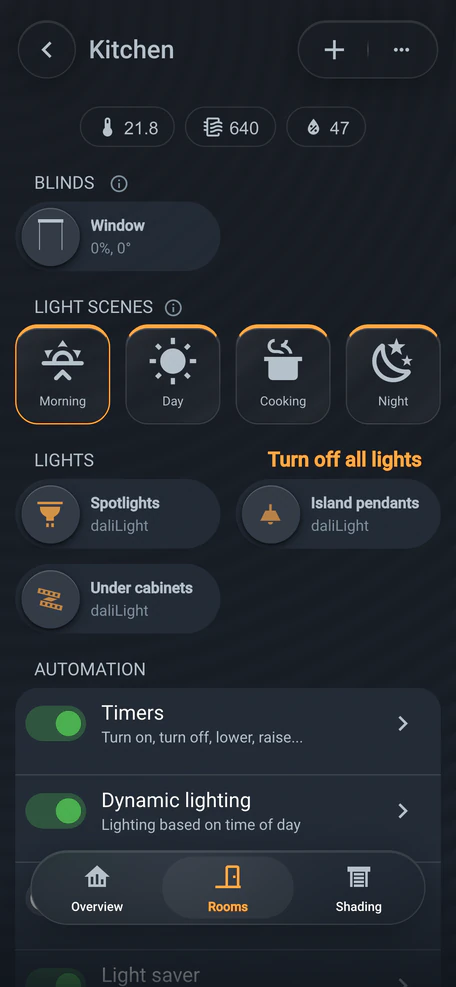
At half past six the kitchen lights up and the blinds go up. Set it up once and it runs by itself.
At half past six the kitchen fills with warm morning light and the blinds go up. Set it up once and it runs by itself.
19:30 · dinner on the stove
Switch on in the evening and the kitchen goes straight to Cooking. Every time of day has its own.
Morning, day, evening and night each have a default scene in the kitchen. Switch on in the evening and the Cooking scene comes straight up: light on the worktop, the living area stays soft.
20:50 · one touch on the ioSWIPE
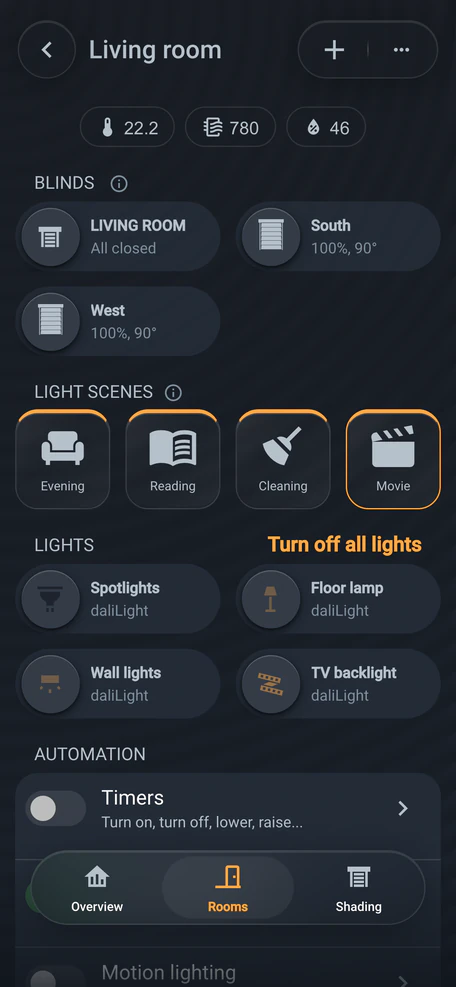
Tap Movie: blue behind the TV, the lamps dim. Four scenes and plain light, all on the switch.
Tap the Movie pad: the light behind the TV turns blue, the lamps dim and the rest goes out. Your four favourite scenes are right on the switch — and plain on and off too.
23:05 · a palm on the glass
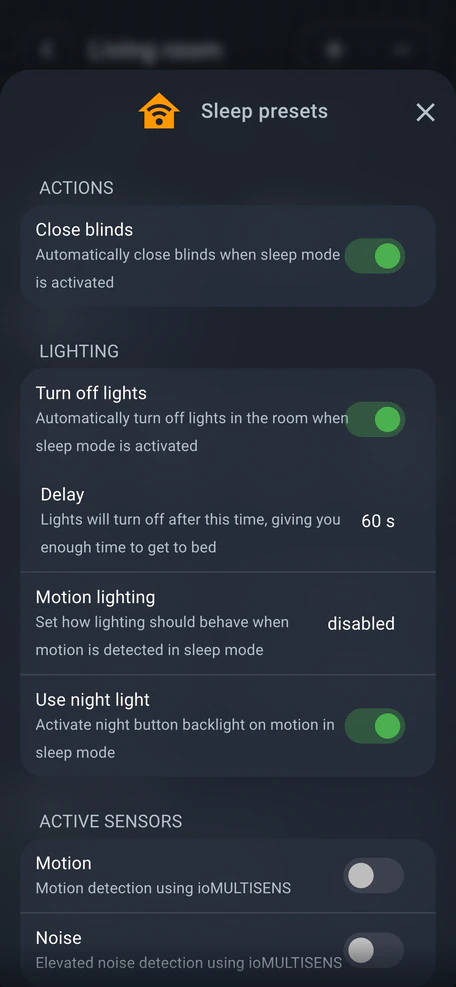
Palm on the glass: the living room sleeps and the lights go out shortly. At night the switch glows.
Hold your palm on the glass and the living room goes to sleep: the lights go out after a moment. Walk past at night and the switch lights your way with a soft glow.
Next chapter: Daylight
Friday · 07:00 · study
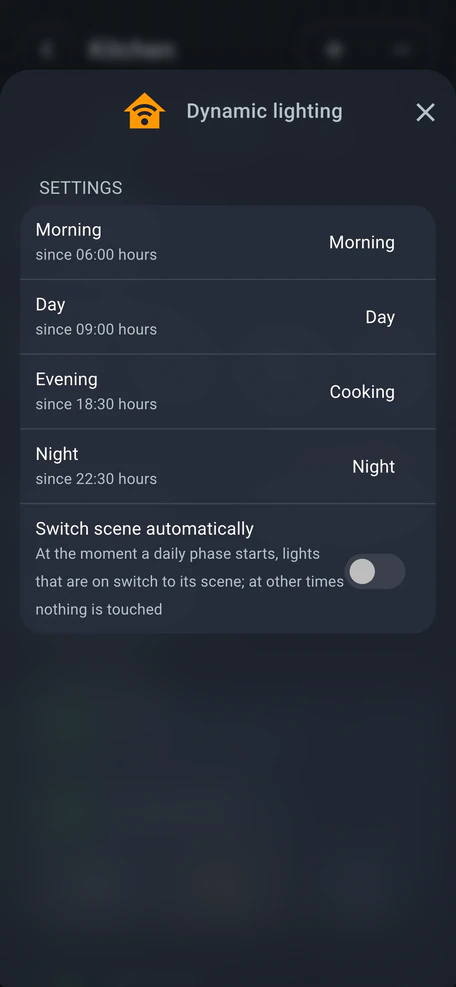
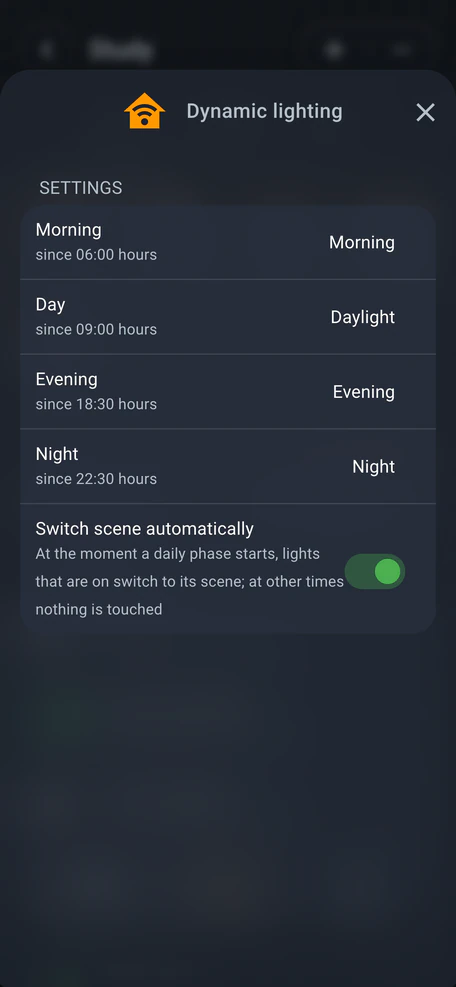
Warm white in the morning, brighter and cooler by day, warmer in the evening. Tunable-white fixtures do this.
The morning scene is warm, the day scene brighter and cooler, the evening one warmer again. Dynamic lighting switches between them by time of day. It takes tunable-white fixtures.
12:30 · working from home
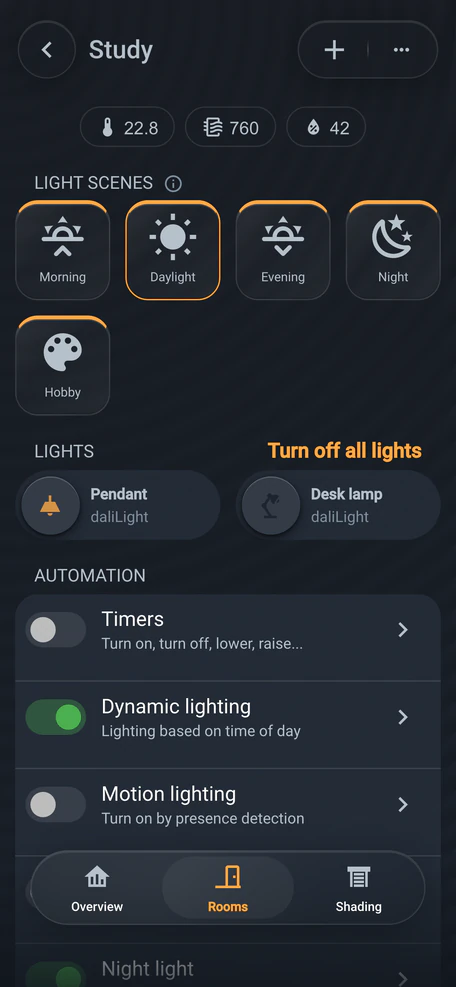
Switch on and the scene for the time of day comes up: at noon bright and cooler, like the sky outside.
Switch the light on and the scene that belongs to the time of day comes up: at noon bright and cooler, much like the sky outside the window.
19:30 · crafting at the desk
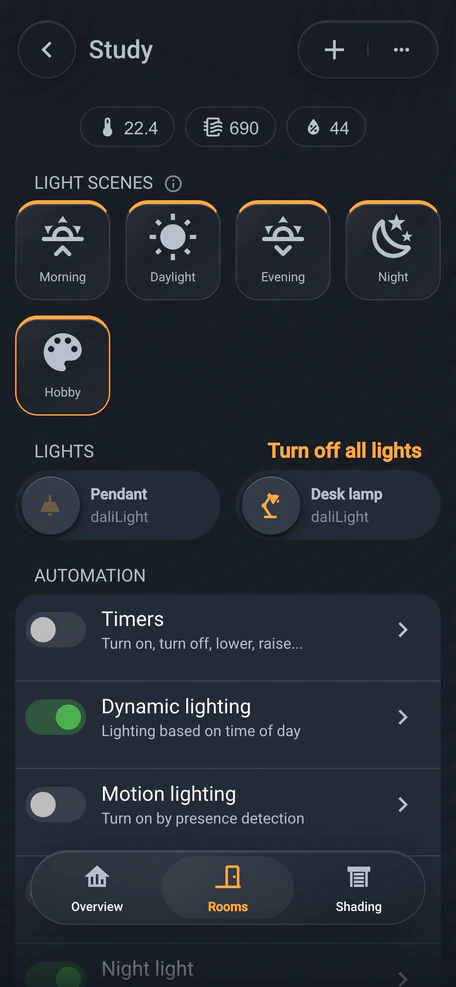
The Hobby scene: bright light on the desk, the rest of the study stays warm and calm.
In the evening you switch on the Hobby scene: bright light on the desk, while the rest of the study stays calm and warm.
Next chapter: Safety
Friday · 21:25 · bathroom window
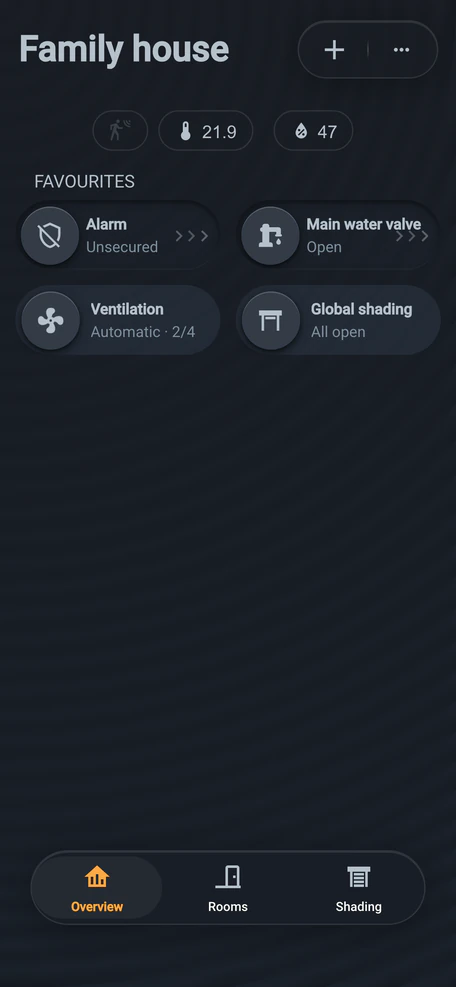
Window left open? The house won’t arm and lets you know.
If a window is left open as you leave, the house won’t arm and lets you know. Just close it and arm again.
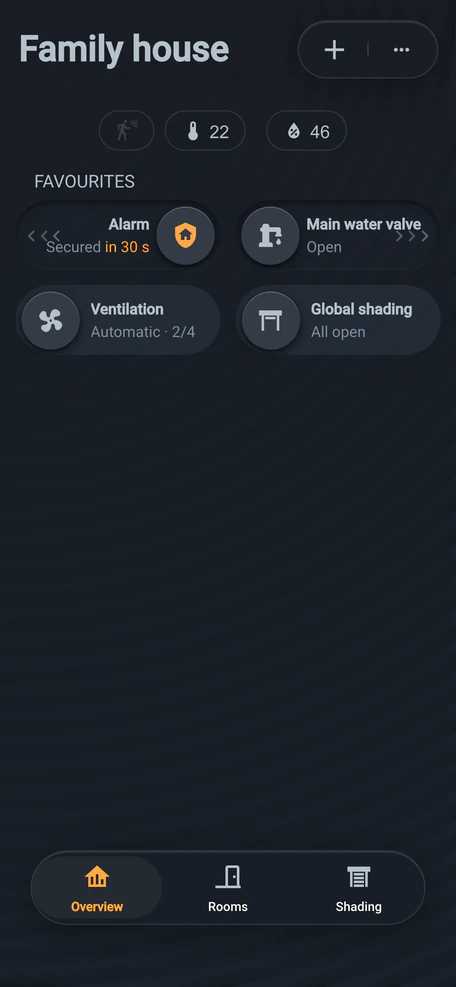
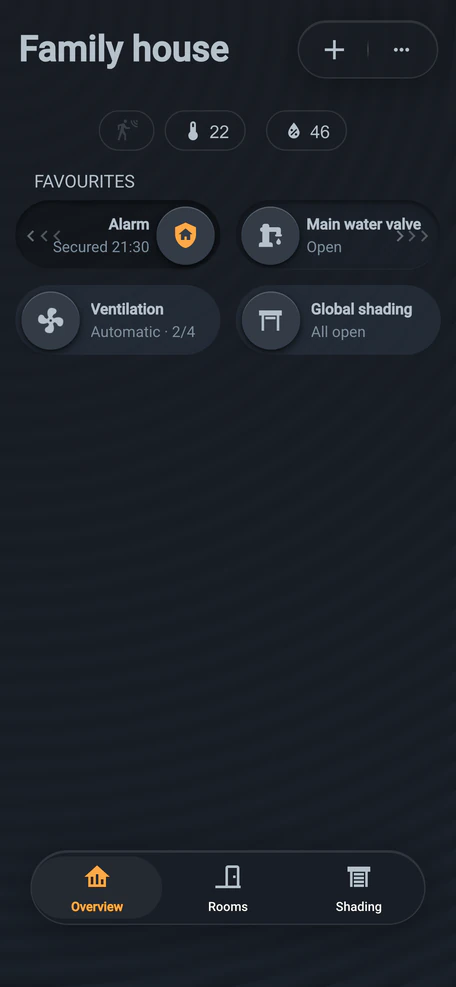
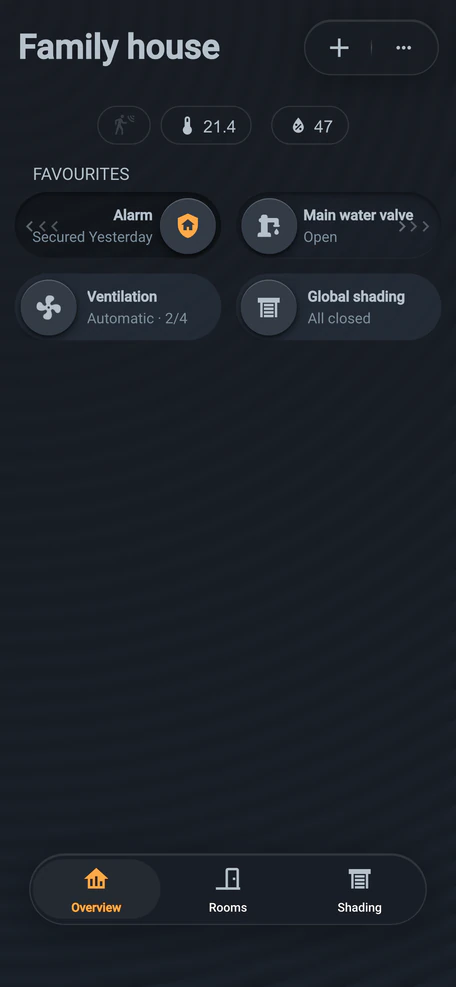
Friday · 21:30 · off for the weekend
Hold your palm on the switch by the door: the house arms, the lights go off, sensors watch windows and doors.
Hold your palm on the switch by the door and the house arms itself. The lights go off, heating switches to its Secured plan, and sensors watch windows, doors and movement. We’ll settle exactly what happens during design.
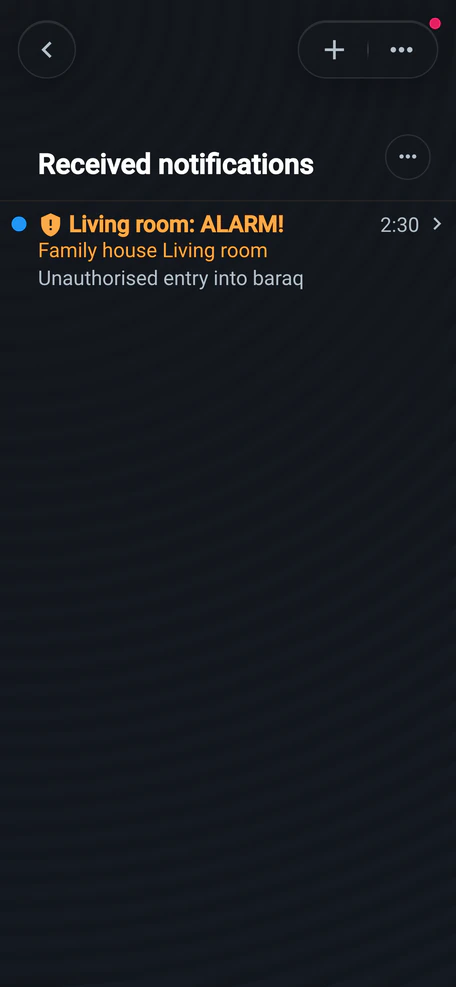
Saturday · 02:30 · nobody home
Motion detected. The switch waits for the code (20 s in this model), then “ALARM!” Disarm with the code.
The living-room motion sensor picks up movement. The switch by the door waits for the code, 20 s in this model. Without it, the blinds go up and your phone gets “ALARM!” Disarm with the code or in the app.
Saturday · 10:24 · out on a day trip
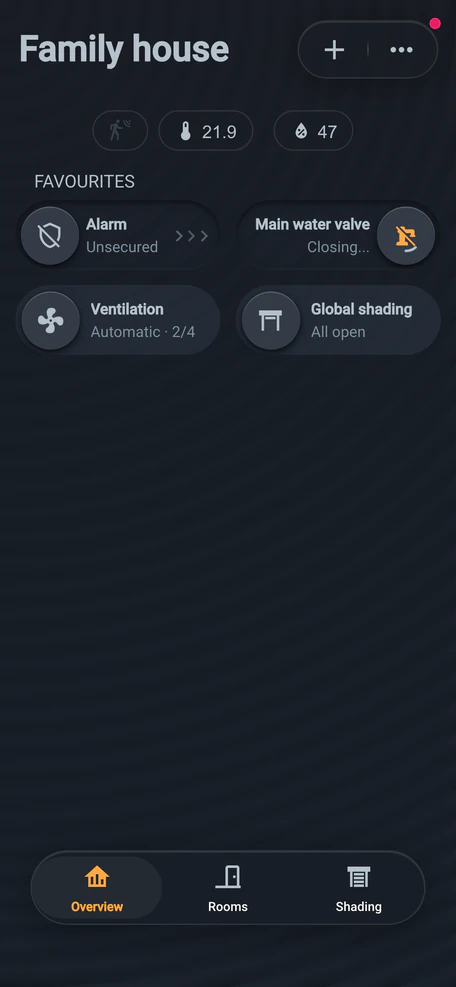
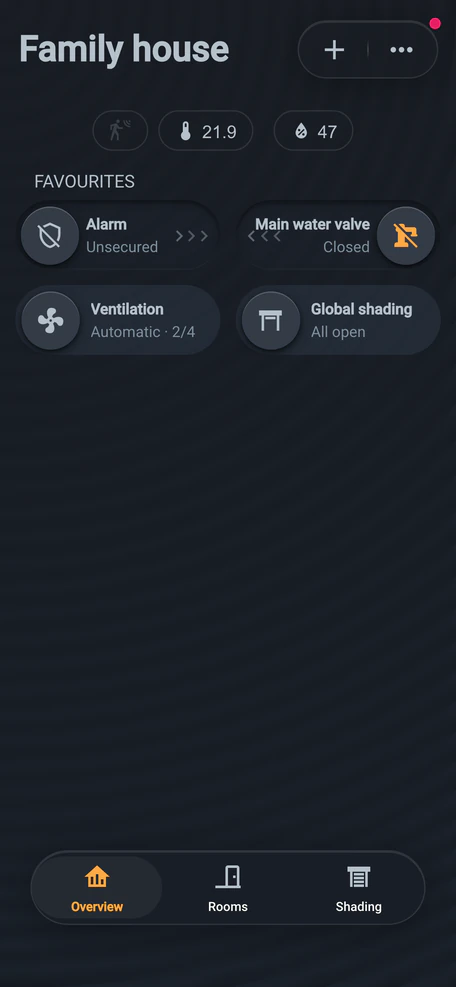
ioFLOOD reports water. With a motorised valve, the house shuts off the main supply and messages you.
The ioFLOOD sensor by the washer reports water on the floor. With a motorised valve connected, the house shuts off the main supply and messages you. How fast depends on the valve.
Saturday · 12:30
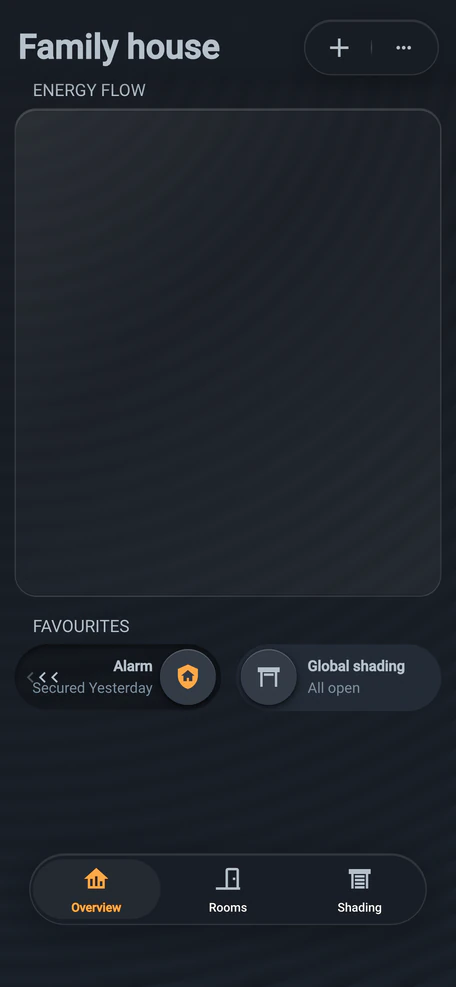
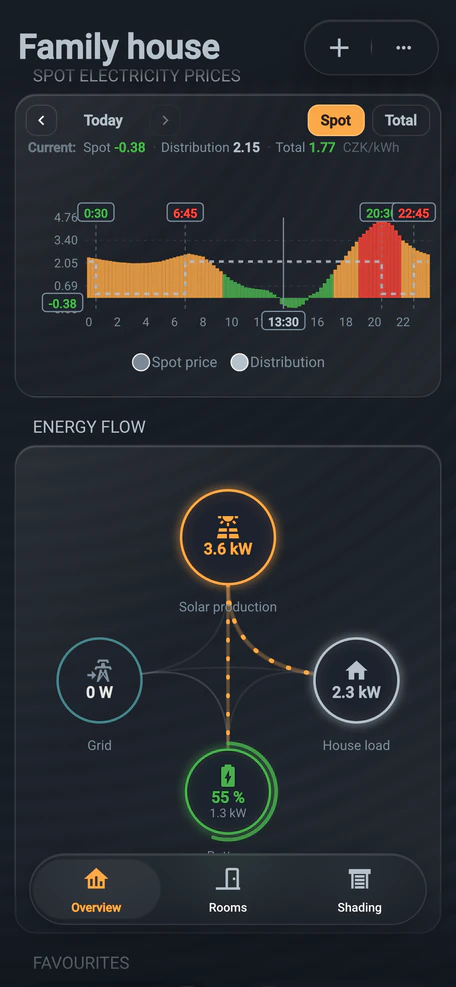
The roof makes more than the empty house uses. With a supported inverter, the app shows where it goes.
The panels are now producing more than the empty house uses. With a supported inverter, the app’s Energy flow view shows how much goes to the house, the battery and the grid.
13:30 · spot price −0.38 CZK/kWh
The spot price is below zero. The roof charges the battery and heats water; nothing goes to the grid.
On a sunny weekend the spot price drops below zero. Smart energy management stops selling: the surplus charges the battery and heats the hot-water tank.
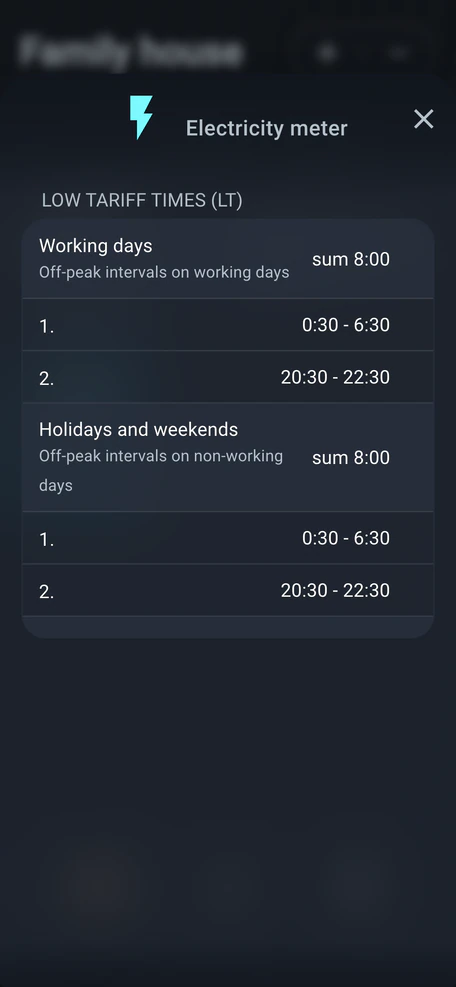
20:30 · off-peak · model tariff schedule
Off-peak cuts the distribution charge, spot prices or not. Ventilation and filtration move into it.
The off-peak rate lowers the distribution charge, even alongside the spot price. Smart energy management schedules ventilation, and perhaps spa filtration, into it. Your distributor sets when it applies.
21:15 · spot price 4.30 CZK/kWh
Evening electricity is the dearest. The house doesn’t buy it; it runs on the battery charged by day.
After sunset electricity is at its dearest. The house doesn’t buy it: the battery charged during the day covers its consumption, and the Energy flow view shows how much it supplies.
Next chapter: Warmth · January
Our prices are on the website. A rough estimate for your home takes a few minutes.
January · 05:45 · −7 °C outside
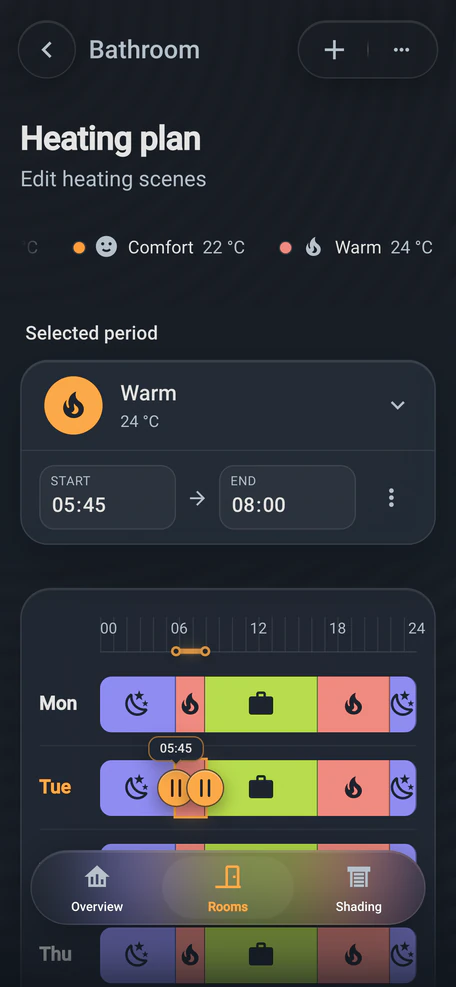
The heating plan switches the bathroom to Warm at 5:45. The other rooms join at their own times.
The heating plan switches it to the Warm scene at 5:45. The other rooms stay in Sleep for now and join in at their own times.
January · 06:10 · −7 °C outside
ioSWIPE measures, ioMASTER compares it with the plan, ioRELAY lets water into the floor. By wire.
The ioSWIPE switch measures the living-room temperature and sends it over the bus to the distribution board. ioMASTER compares it with the plan and ioRELAY lets water into the floor. No batteries.
06:30 · five rooms, five loops
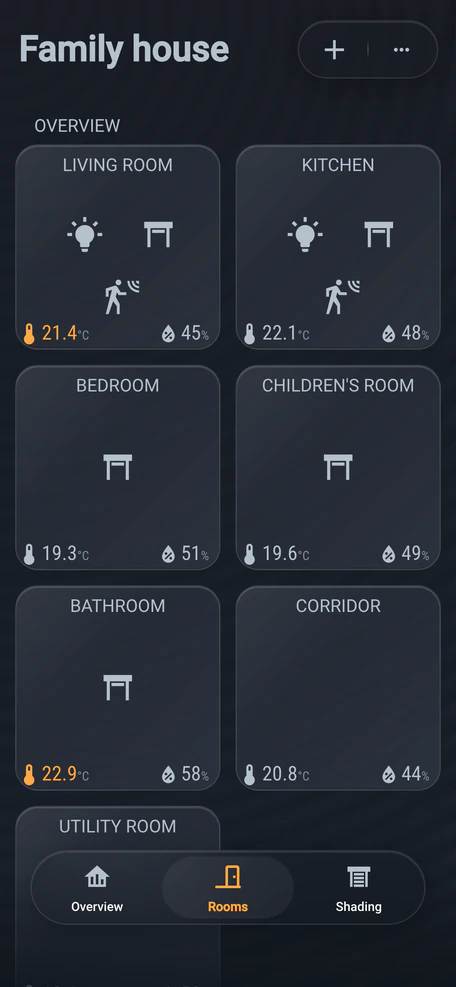
Every room has its own temperature: bathroom 24 °C, bedroom 19 °C. The wall switch reports it by wire.
The bathroom wants 24 °C, the living room 22 °C, the bedroom 19 °C. Every loop in the floor has its own valve head, which lets water in only when the room needs heat.
08:15 · weekday · off to work
Public sources put the saving at roughly 5–10% of heating energy. We don’t promise a specific figure.
During the day the plan lowers the rooms’ target temperature. With well-set controls, public sources put the saving at roughly 5–10% of heating energy. We don’t promise a specific figure.
Source: MPO/SFŽP
22:00 · heating plan
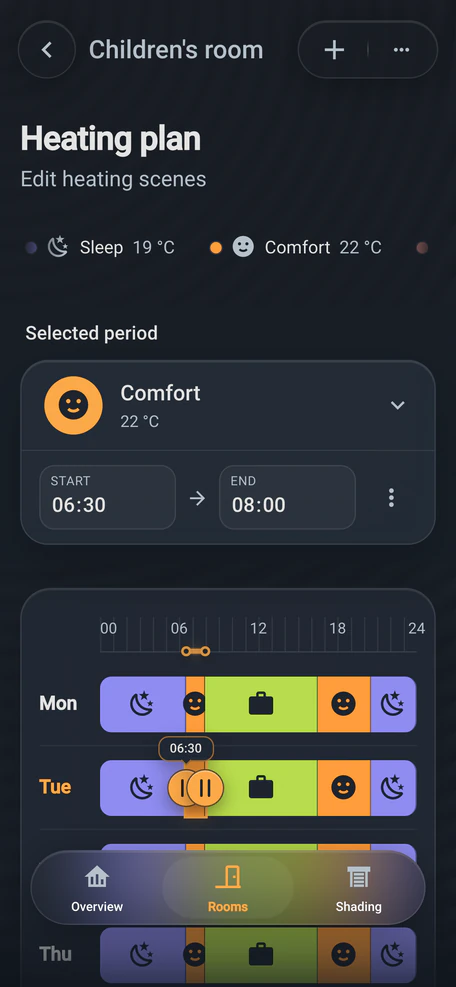
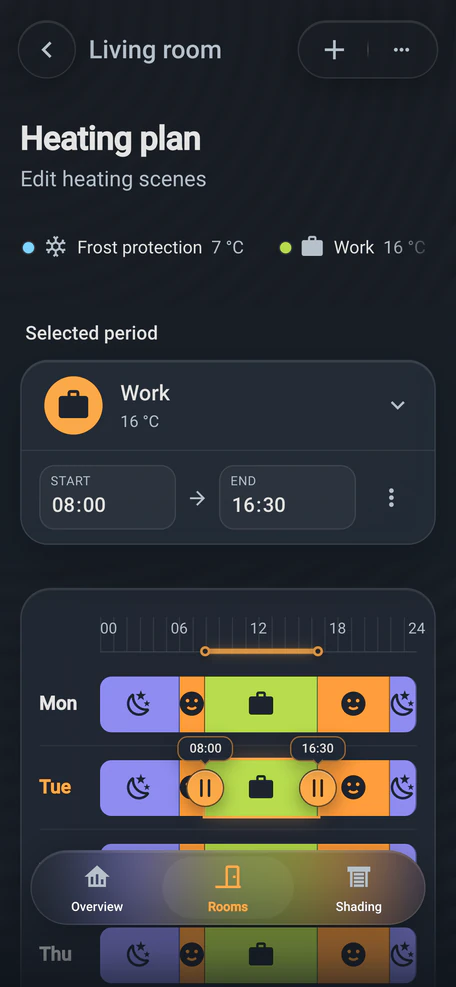
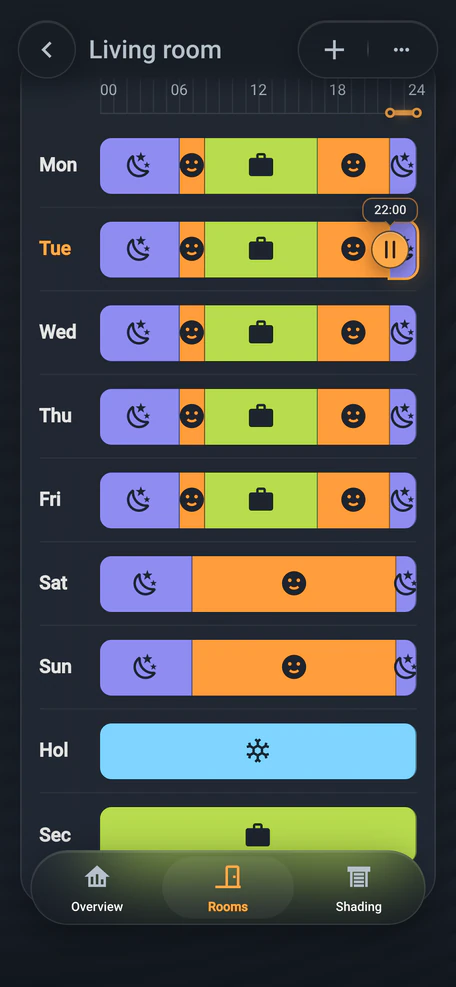
The heating plan sets Comfort, Work and Sleep for the week. At 22:00 the whole house goes to Sleep.
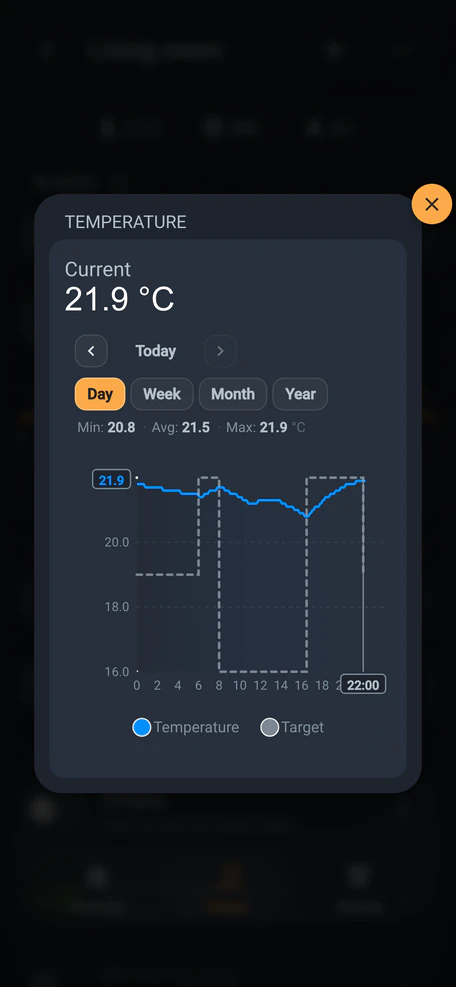
The heating plan sets when each room is on Comfort, Work or Sleep. At 22:00 the whole house goes to Sleep. The living room’s chart then shows the target and the actual temperature.
July · 14:00 · 33 °C outside
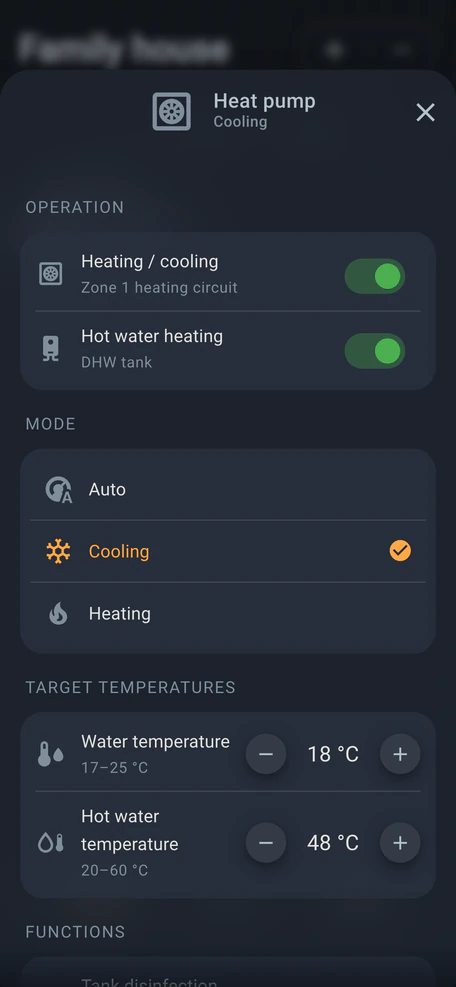
If your heat pump supports it, cooler water flows through the same floor pipes in summer.
If your heat pump supports it, it reverses in summer and cooler water flows through the same floor pipes. We’ll check what works for your home during design.
Next chapter: Shading
Same day · 14:30 · living room 24 °C
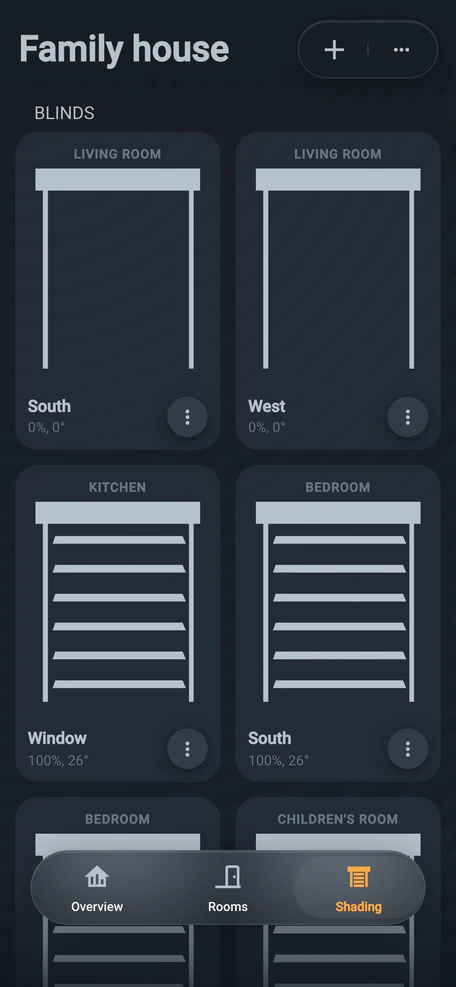
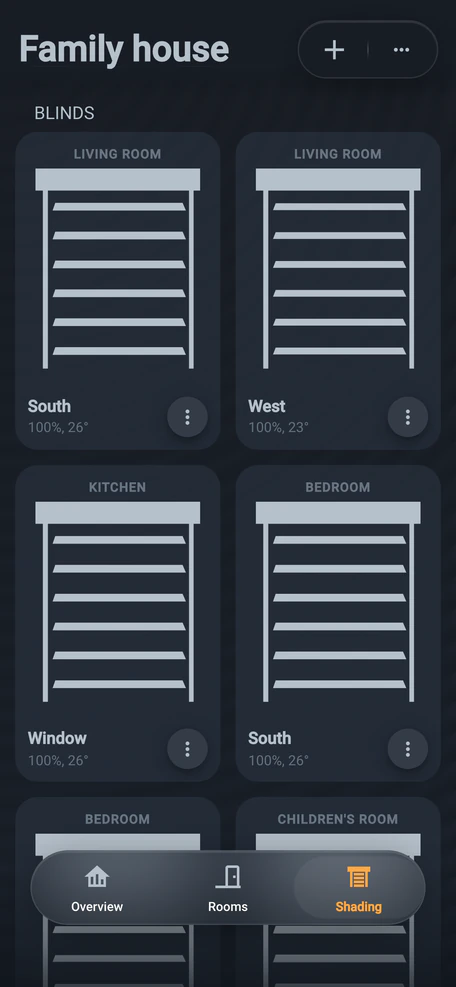
The living room is at its set 24 °C and the sun is on the windows. Blinds down, slats block the direct sun.
BARAQ works out where the sun is and watches the temperature of every room. Once the living room is at its set temperature, its blinds come down and the slats block the direct sun.
17:00 · slats follow the sun
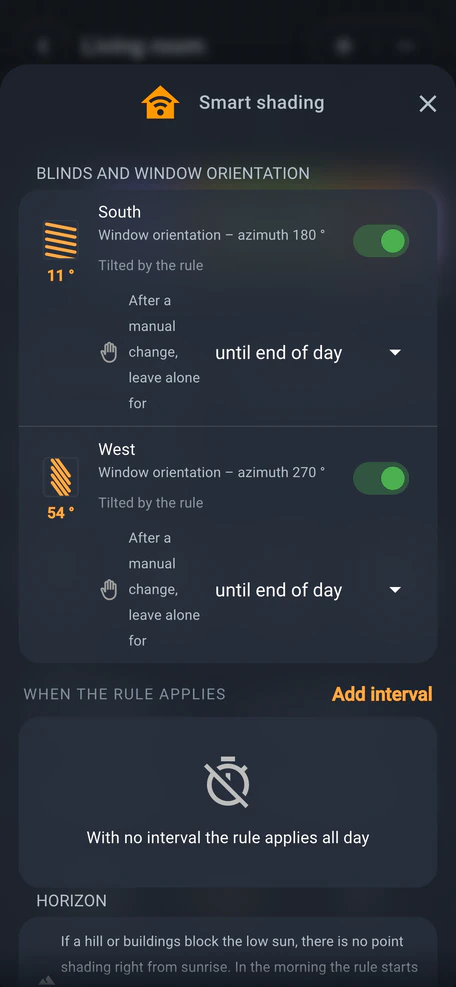
The slats block only the direct sun and follow it. The daylight and the view stay.
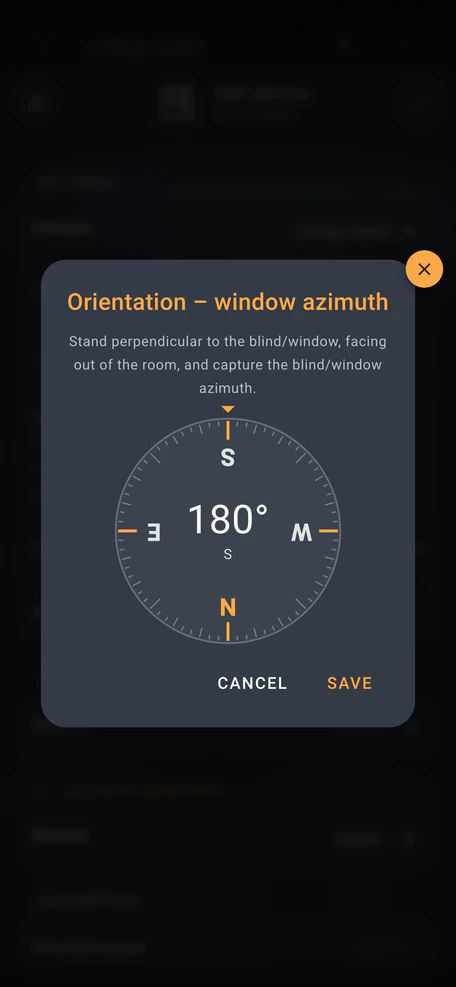
Guided by the window’s azimuth, measured once with the phone’s compass, the slats tilt just far enough to block the direct sun, and follow it through the day. Daylight still comes in and the view stays.
18:12 · thunderstorm · gusts 74 km/h
ioMETEO on the roof reports gusts of 74 km/h. Above the set limit the house pulls the blinds up.
The ioMETEO weather station on the roof measures the gusts. Once the wind goes over the limit set for the blinds, the house pulls them up into their boxes.
January · 12:30 · −3 °C outside
In January the living room is cooler than set. The blinds stay up and the sun helps to heat.
In January the sun is low and the living room hasn’t reached its set temperature yet. So the blinds stay up and the sun helps to heat.
Next chapter: Air
January · 17:20 · home from work
Disarm the alarm and the ventilation runs harder for 15 minutes, so the air is exchanged faster.
Disarm the alarm when you get home and ventilation runs harder for 15 minutes, swapping the air faster. Turn on the Ventilate on arrival automation.
02:14 · the same night
At 02:14 the bedroom CO₂ passes the limit you set. The rule turns the ventilation up; you sleep on.
Behind the closed door, CO₂ rises. The ioSWIPE+ switch measures it, and above the limit you set, the Smart ventilation rule turns the unit up. You sleep on.
06:40 · winter morning
A window lets in frost and noise. The unit brings air in through a filter and keeps much of the heat.
In winter an open window lets in frost, noise and chimney smoke, and the heat escapes. Heat-recovery ventilation brings air in through a filter and keeps much of the heat.
07:05 · breakfast
The app shows the 02:14 step with its CO₂ value. The chart: where CO₂ would climb without ventilation.
The app charts bedroom CO₂ since midnight: the climb to your limit, the rule stepping in at 02:14, and the rest of the night below it.
Next chapter: Room to grow
The cables stay in the walls. What you connect to them can keep changing for years.
Want to know more? Sign up for our news.
3D model of the house: switches and sensors on one bus, a new light on DALI and every system wired to one controller.
Move-in · living room
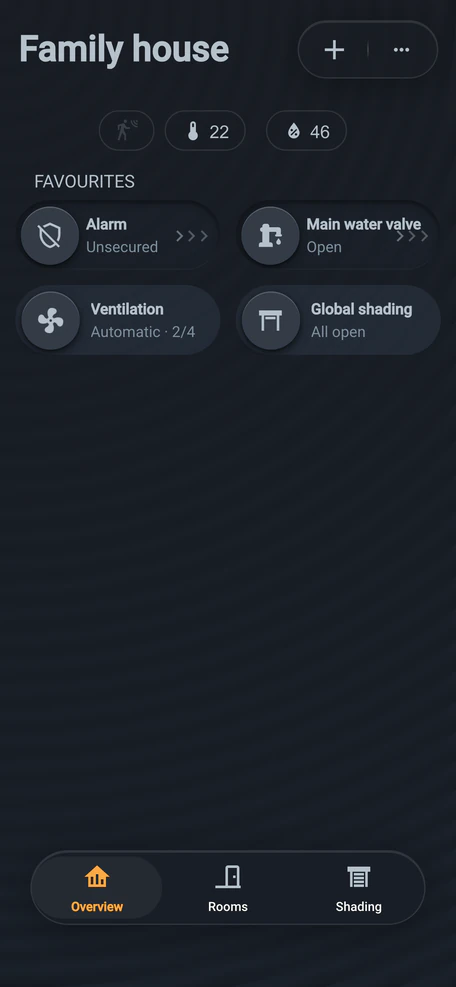
Everyday things: the switch. The app shows the whole house, no programming.
Everyday things are handled by the switch on the wall. The app shows the whole house, and you change settings in it without any programming.
Move-in · added since moving in: 0
Switches and sensors share one bus in the wall. Two wires, no batteries.
Switches and sensors share one bus: two wires in the wall, no batteries. ioSWIPE and ioMULTISENS also speak Wi-Fi and Bluetooth. What to prepare for later, we go through in the design.
+1 year · a new light
We plan DALI above the table in the design. An electrician then just connects and addresses the light.
In the design we plan the DALI bus above the table too, where nothing hangs yet. An electrician just connects and addresses the new light. We then add it to your scenes.
+2 years · the greenhouse
A compatible sensor reports by radio, the nearest switch is the gateway, ioMASTER waters. Check support first.
A compatible moisture sensor talks over Matter, Thread, Bluetooth or Wi-Fi. ioSWIPE switches and ioMULTISENS sensors double as gateways: the nearest one passes the message over the bus to the board, and ioMASTER starts the watering. Support for a specific sensor is worth checking in advance.
+3 years · one system
Lights, blinds, heating, alarm, energy and air: one distribution board and one app.
Lights, blinds, heating, security, energy and ventilation in one distribution board and one app. We design it, supply the modules, commission it and train you. An electrician does the cabling and the 230 V work.
End of the tour
Three configurations with an indicative price are right below. For your own home you’ll work it out in a few minutes. Ideally, get in touch before the electrical design.
Price
We show indicative prices for configurations we have actually designed, so you know what budget to expect.
75 m² · 6 lighting circuits, shading
List price
CZK 166,375
incl. VAT · CZK 137,500 excl. VAT
CZK 114,950Special price
incl. VAT · CZK 95,000 excl. VAT
129 m² · standard set-up
List price
CZK 235,950
incl. VAT · CZK 195,000 excl. VAT
CZK 170,610Special price
incl. VAT · CZK 141,000 excl. VAT
150 m² · solar, heat pump, underfloor heating, heat recovery, wallbox
List price
CZK 342,430
incl. VAT · CZK 283,000 excl. VAT
CZK 255,794Special price
incl. VAT · CZK 211,400 excl. VAT
Prices are indicative and include 21% VAT; the price excluding VAT is shown under each one. We will prepare an exact quotation for your project.
Special prices apply to the first 15 households, until 31 January 2027 at the latest.
Partners
The partner puts up the building; BARAQ designs, supplies and commissions the smart electrical installation.
More about our partners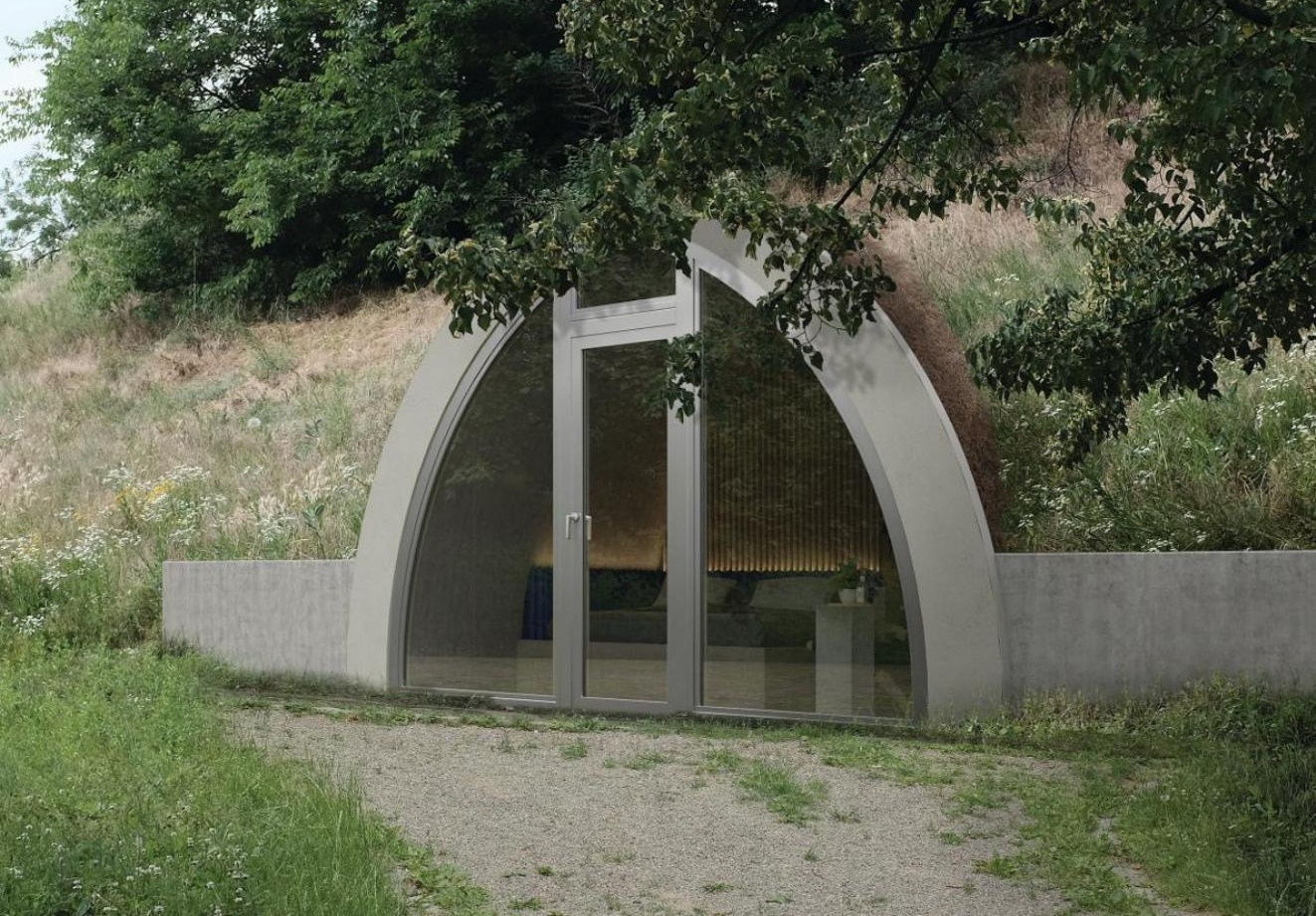
Construction
Prefabricated concrete vaults — above ground, submerged or in a hillside. BARAQ runs the lighting, switchable glass, heating and security inside.
Contact
A few lines about your home or project are enough. We reply within two working days and talk through what makes sense for you.